

Complete Guide to Container Dimensions and Capacity
See the internal and external dimensions, weights, and loading capacity of 20ft and 40ft containers in one place, work out your cargo volume, and choose the right container.
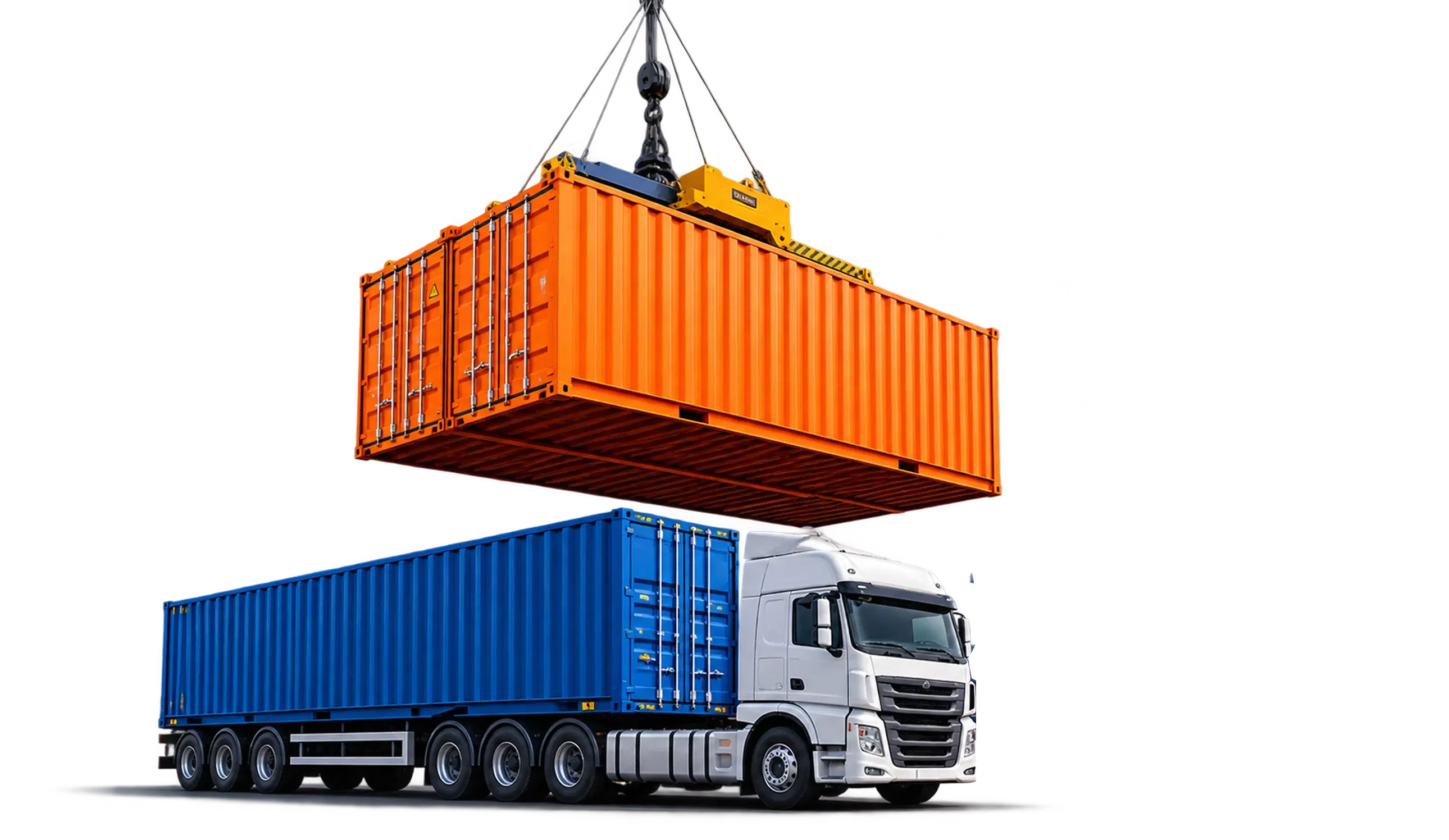
20ft shipping containers
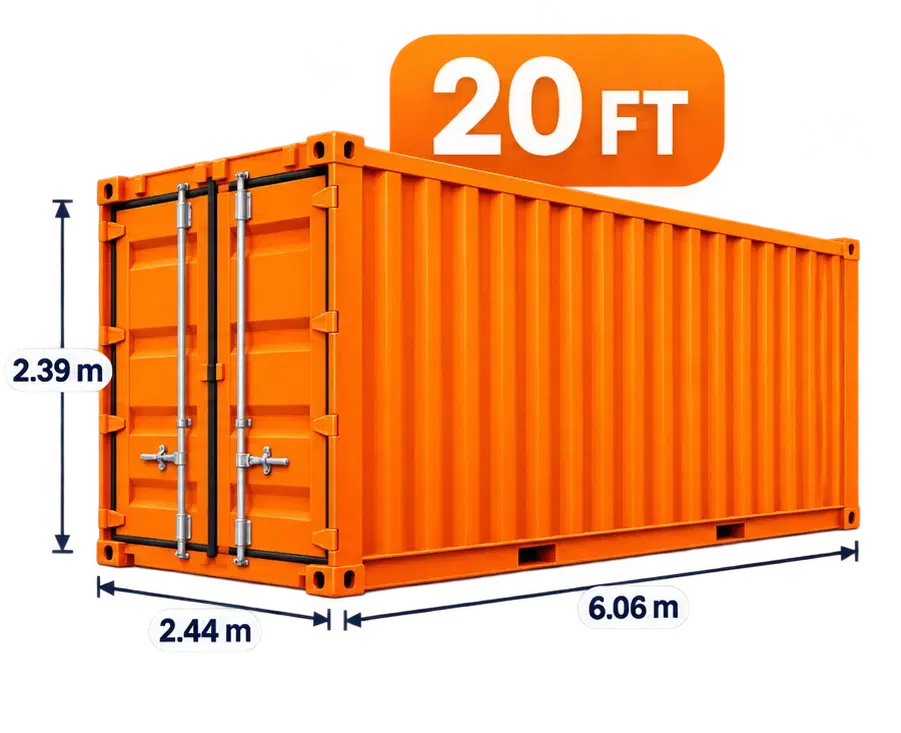
A 20ft container is a standard shipping container used to carry goods by sea. It has standard internal and external dimensions, and suits heavy, dense cargo.
- Internal volume
- 33.2 cubic metres
- Max payload
- 28,280 kilograms
- Internal length
- 5.898 metres
Types of 20ft containers and their uses
All models share an external length of 6.058 m; they differ in roof, walls, and equipment.
20ft Standard Dry (DV)
The most common container; suits heavy, dense cargo that reaches the weight limit before the space fills up.
- Internal volume
- 33.2 m³
20ft High Cube (HC)
30 cm taller than the standard model; for bulky cargo that needs a short length.
- Internal volume
- 37.4 m³
20ft Open Top
Removable tarpaulin roof; loaded from above by crane for tall machinery.
- Internal volume
- about 32 m³
20ft Flat Rack
No side walls or roof; for wide or heavy cargo such as generators and industrial parts.
- Max payload
- about 30 t
20ft Reefer
Adjustable temperature from −30 to +30 °C; for food, medicine, and flowers.
- Internal volume
- about 28.3 m³
20ft ISO Tank
A cylindrical tank in a steel frame; for liquids, chemicals, and fuel.
- Capacity
- 21–26 thousand litres
CBM and load calculator for a 20ft container
With a CBM load calculator, you can easily work out how much weight and volume a container shipment can hold.
Moving goods between countries supports economic growth and has a positive impact worldwide. When it comes to shipping goods, a CBM calculator is the most effective tool for estimating cost by the weight and volume of a shipment. It helps you make the most of the space and cut costs.
Specifications and exact dimensions of the 20ft Standard container
- Internal volume
- 33.2 m³
- Pallet capacity, single tier
- 11 Euro / 9 industrial
- Max payload
- 28,280 kg
- Typical use
- Tiles, stone, metals, heavy raw materials
Tare weight, payload, and gross weight
A container's weight limit is set by its gross weight. The heavier the container itself, the less is left for cargo.
The weight of the empty steel container.
The most cargo weight you can put inside the container.
The maximum combined weight of container and cargo, per its CSC certificate.
Capacity and maximum loading weight compared
Standard ISO values for dry containers. On mobile, swipe the table sideways.
Payload = gross weight − tare weight. Tare weight varies by up to about 150 kg between manufacturers; the exact figure is printed on the container door (CSC plate). Pallet counts allow a 2 cm loading gap between pallets, the same as the load calculator; packed with no gaps, up to 25 Euro pallets fit in a 40ft.
Common cargo dimensions and approximate count per container
Counted with the same engine as the load calculator, with a loading gap between packages. On mobile, swipe the table sideways.
These counts assume light packages and only measure space. If the cargo is heavy, the container's weight limit (28,280 kg for a 20ft and 26,730 kg for a 40ft) is reached first and fewer units fit. For an exact count for your cargo, open the load calculator.
Common loading mistakes and how to prevent them
Most cargo damage in containers comes from a few recurring mistakes. Each one can be prevented with a simple rule.
Overloading or uneven loading
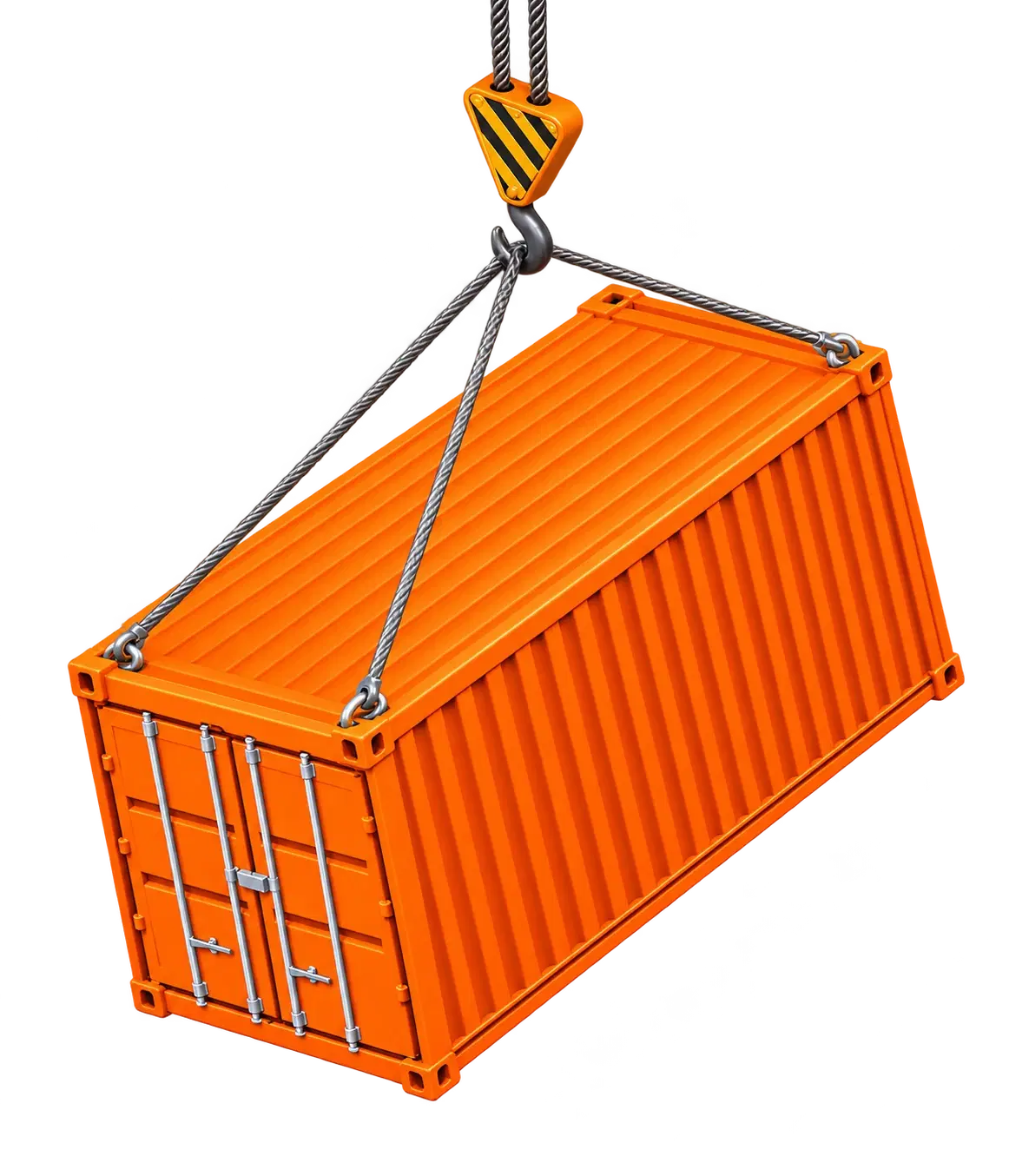
If the weight exceeds the payload, or heavy cargo sits on one side or at the top, the container tilts on the crane and the truck exceeds its legal axle load.
Prevention: Keep heavy goods low and central; each half of the container's length should carry 40–60% of the weight.
Not securing the cargo
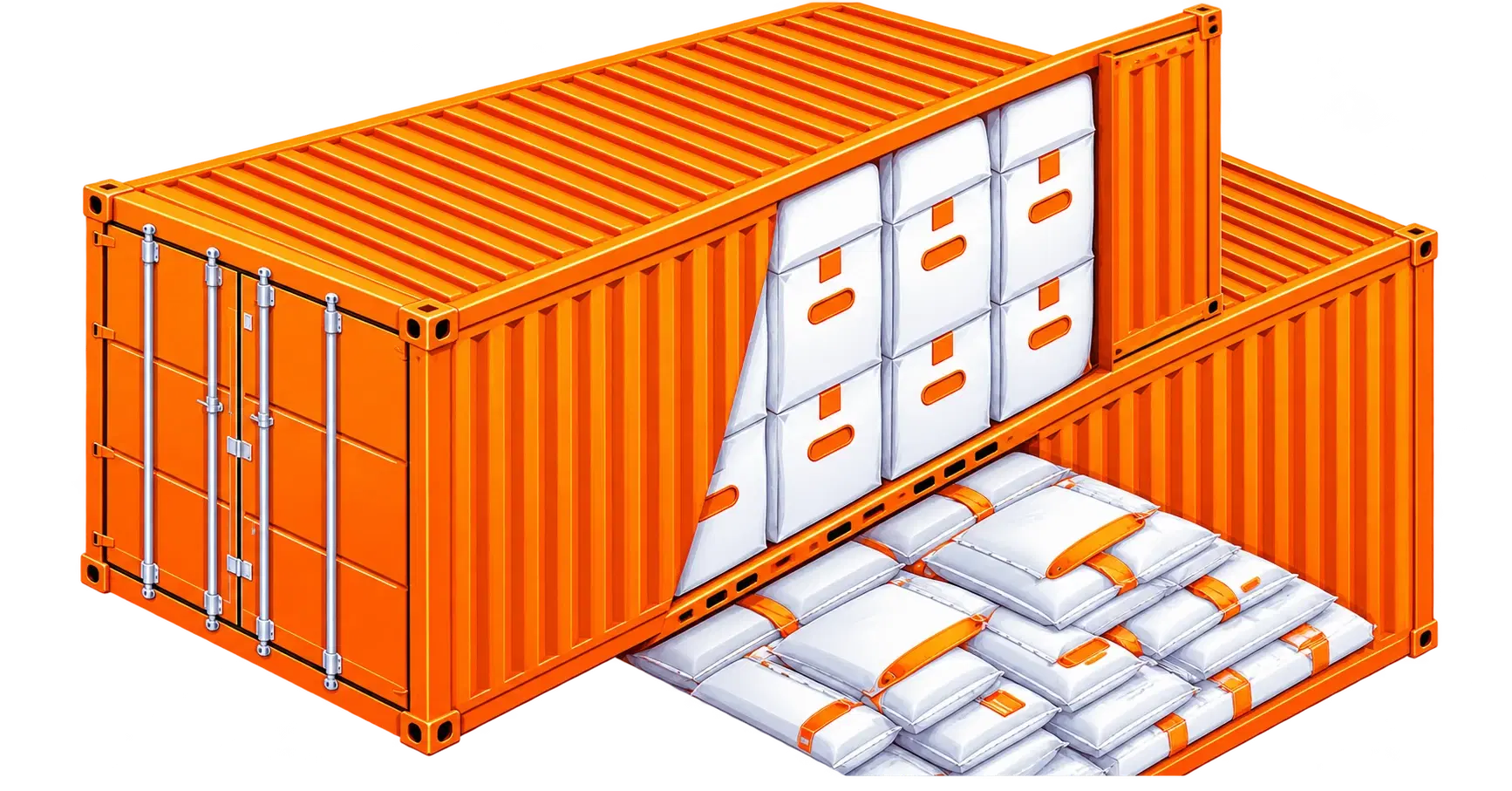
Empty space between the cargo and the door lets cargo shift at sea or on the road, packages knock into each other, and the door takes the load's pressure when opened.
Prevention: Fill gaps up to 40 cm with airbags and larger gaps with timber bracing.
Ignoring weight and volume limits together
Heavy cargo hits the weight limit before the space fills, and light cargo fills the space before the weight limit. Looking at only one leads to booking the wrong container.
Prevention: Check both; a 20ft container has 33.2 m³ and a 28,280 kg payload.
Stacking heavy cargo on weak packaging
The bottom carton or bag is crushed under the layers above and the goods inside are damaged.
Prevention: Know the maximum load each package can bear and put fragile goods on top.
Quick CBM estimate
Enter the dimensions and weight of each carton to see the total volume, total weight, and a first estimate of the container.
- Total volume
- 0.00 m³
- Total weight
- 0 kg
This estimate only compares volume and weight. In practice about 85% of the internal volume can be filled, because space is left between cartons and under the roof.
20ft Standard
Volume0%Weight0%40ft Standard
Volume0%Weight0%40ft High Cube
Volume0%Weight0%
Exact layout, with several package and pallet types
The load calculator places each package's real dimensions in 3D, checks load bearing and weight distribution, and tells you exactly how many containers or trucks you need.

Which container suits your cargo?
Answer three questions; the suggestion next to the form updates instantly. This is a first guide; the load calculator gives the exact figure.
Benefits of using the load calculator
Instead of guessing or calculating by hand, see exactly how your cargo will be arranged before booking.
Lower risk of damage
The weight on top of each package is checked against what it can bear, and empty space at the front and back is flagged with the lashing it needs.
More accurate than manual calculation
Packages are arranged in 3D with their real dimensions, not by simply dividing volumes; the number of pallets and vehicles comes from that layout.
Cost savings
Before booking you see whether one 40ft is enough or two 20ft are needed; for under 15 m³, shared shipping (LCL) is suggested.
Better use of space
Gaps beside and above goods are filled with other packages, and a honeycomb layout is tried for upright rolls.
Balanced weight distribution
Front-to-back and side-to-side weight shares and the height of the centre of gravity are shown, following the CTU Code.
See the layout before loading
3D and 2D views and a loading sequence for the warehouse; you know where every package goes before the container arrives.
Frequently asked questions

Ready to ship and calculate your cargo?
Get the most accurate price quote and loading plan with our online loading tool for 20ft and 40ft containers.
Start online load calculation